
Car Identifier & Parts: Marqia · Reference
Car Identifier: What Car Is This? Snap a Photo and Know
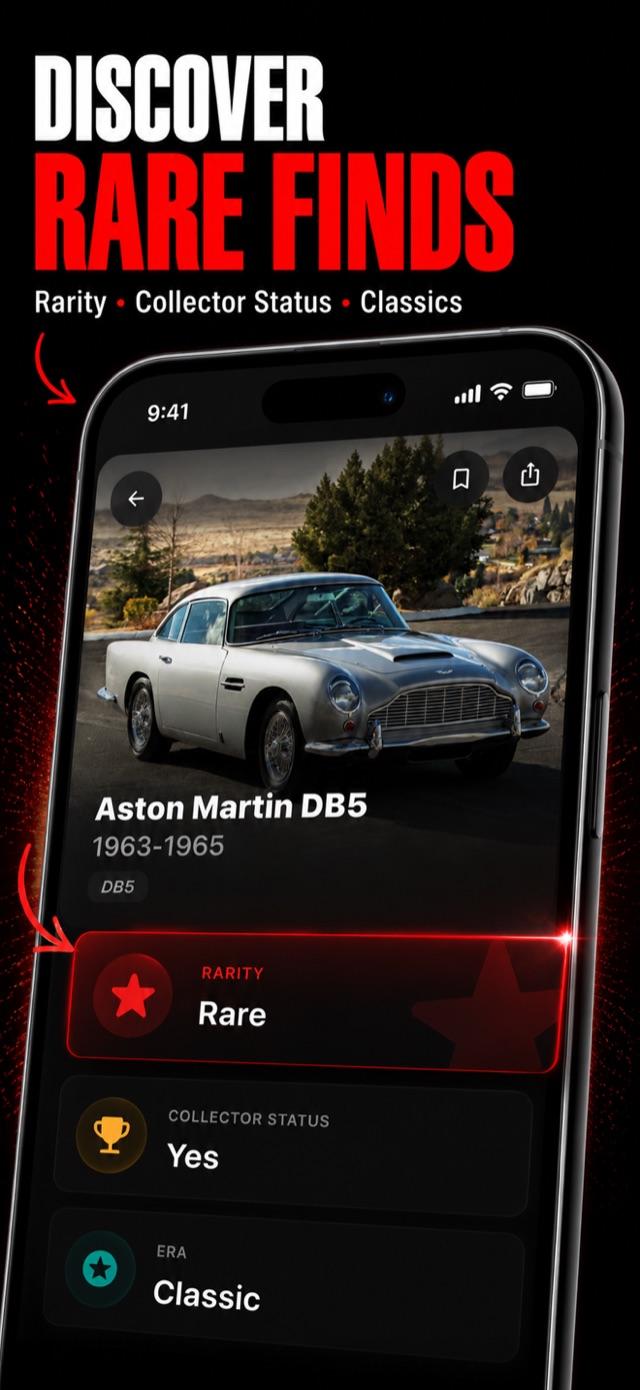
Point your camera at any car and get the make, model, year range, rarity, and value tier in seconds. Built for spotters, buyers, and collectors, with a part identifier mode included.
- Make, model, year range, and chassis code in seconds
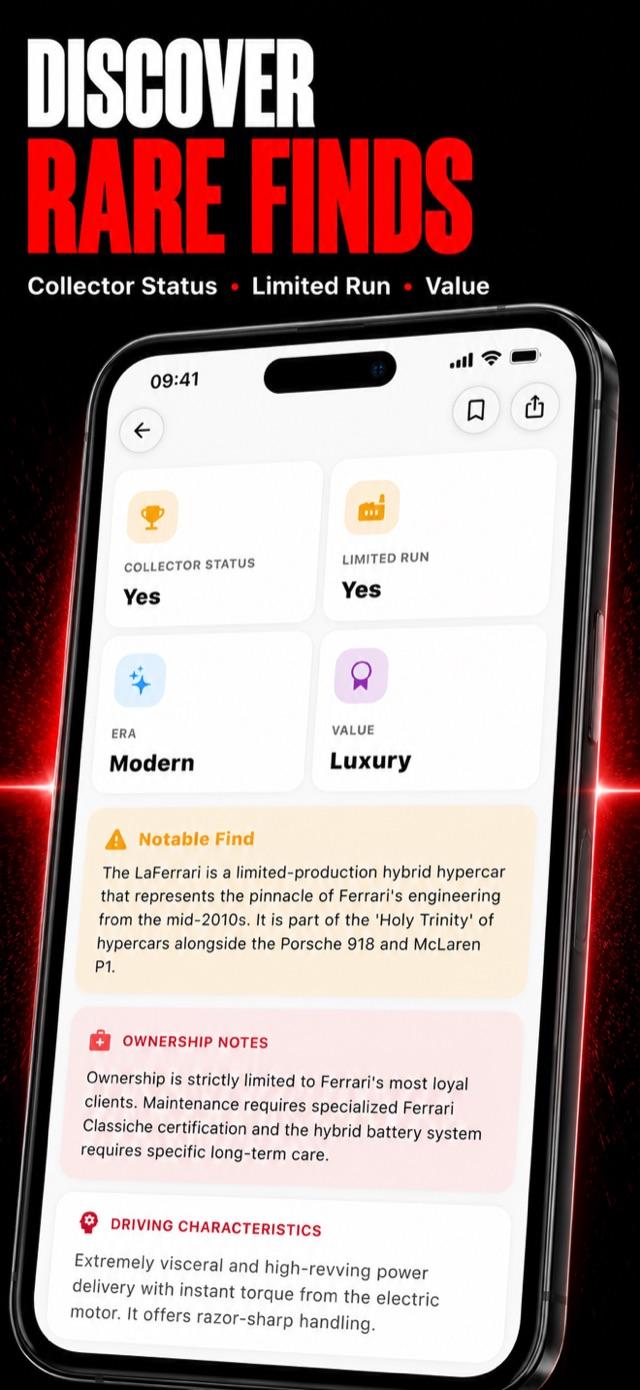
- Rarity, era, value tier, and performance specs
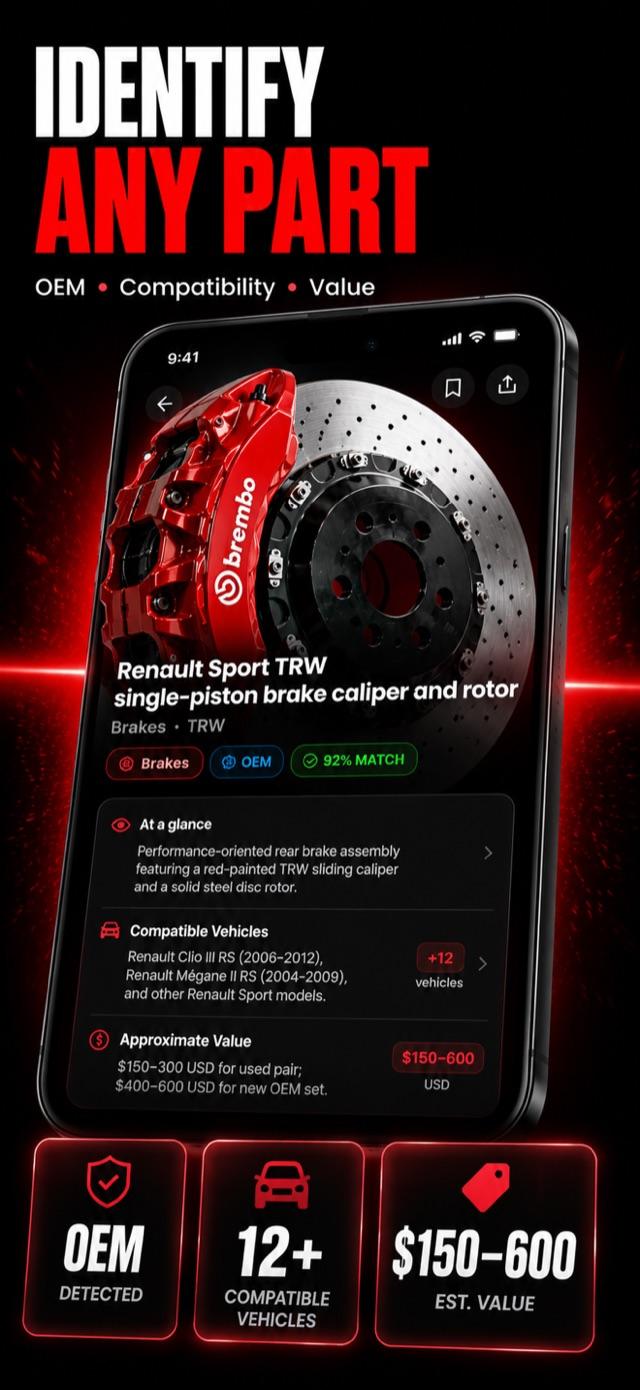
- Part identifier: OEM vs aftermarket vs reproduction
Version 1.0.4 · Updated Sep 7, 2026

How it works
- 1
Snap the car
Point the camera at any car, from a daily driver to a one-off show car. A three-quarter front view gives the AI the most to work with.
- 2
Get the full identification
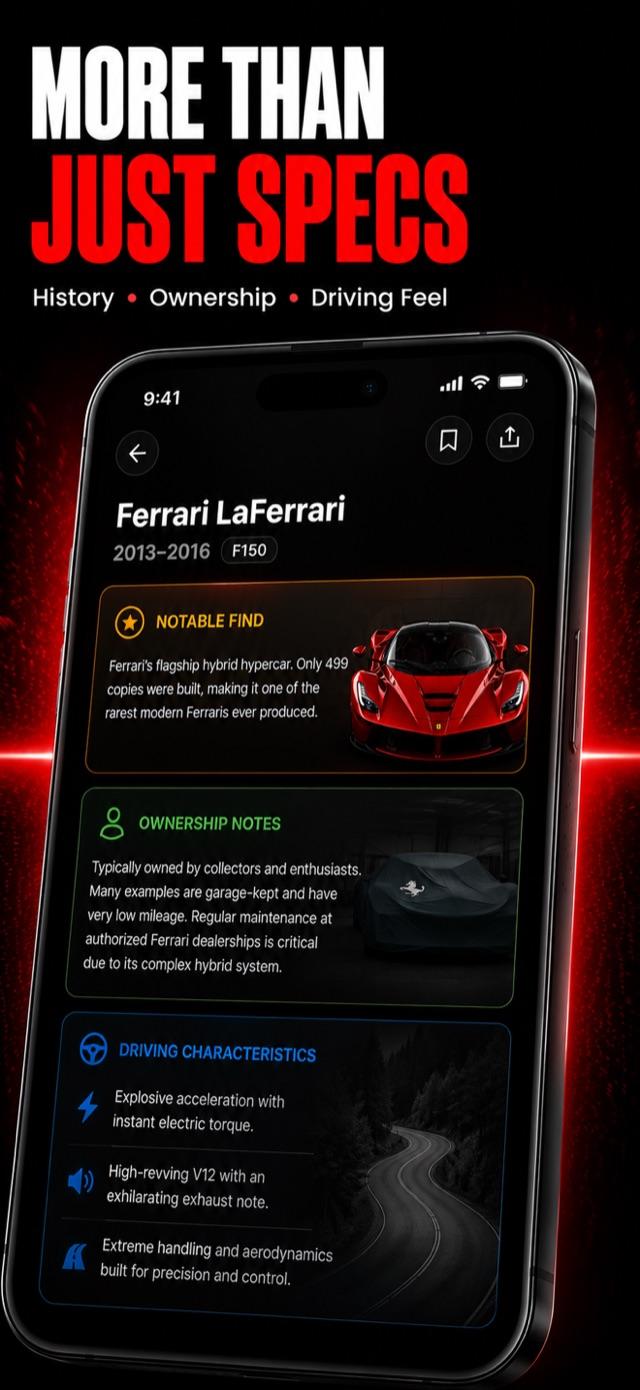
Make, model, year range, chassis code, and primary markets come back in seconds, with look-alike warnings so a replica does not fool you.
- 3
Read the collector context
Rarity tier, era classification, value band, and performance specs (horsepower, 0-100, top speed) on one card.
- 4
Save it or scan a part
Bookmark spots, add notes, and switch to part mode to identify wheels, badges, lights, and engine components as OEM, aftermarket, or reproduction.
Guides
Practical answers to the questions Marqia was built for.
What Car Is This? How to Identify Any Car From a Photo
Saw a car you can't name? Learn the visual cues that identify any car: badges, grille, lights, proportions, plus how AI photo ID answers in seconds.
How to Identify a Classic Car's Make, Model, and Year
Old cars lack modern VINs and badges fall off. Learn how to date and identify a classic car by trim, lights, bumpers, and body details, plus AI photo ID.
How to Identify a Car Part (OEM vs Aftermarket vs Reproduction)
Found a part with no packaging? Learn to identify car parts by casting numbers, logos, and finish, tell OEM from aftermarket and repro, and check value fast.
Car Spotting for Beginners: How to Find, Identify, and Log Rare Cars
A practical guide to car spotting: where rare cars actually show up, how to identify what you see, photo etiquette, and how to keep a spotting log.
Best Car Identifier Apps in 2026 (Honest Comparison)
CarSnap, free web tools, Google Lens, and Marqia compared honestly: accuracy, collector context, part identification, and which fits your use.
How to Decode a VIN (and When a Photo Beats It)
What each of the 17 VIN characters means, where to find the VIN, free decoding, the pre-1981 problem, and the cases where photo ID is the faster tool.
Frequently asked questions
Can AI really identify a car from a photo?
Yes. Vision AI reads body shape, grille, lights, badges, and proportions and matches them against known models. It returns make, model, and a year range in seconds, and flags look-alikes when a model was widely replicated.
Learn moreHow do I find the year and model of a classic car?
Combine a photo identification with era details: trim, bumpers, lights, and badges often pin the year range. Pre-1981 cars lack standardized 17-digit VINs, so visual dating matters more the older the car is.
Learn moreHow can I tell if a car part is OEM or aftermarket?
Check casting numbers, logos, finish quality, and fitment. The app's part mode reads a photo of the part and estimates OEM vs aftermarket vs reproduction, with compatible vehicles and a value estimate.
Learn moreHow do I start car spotting?
Learn the common-to-rare ladder in your area, keep a log of what you see, and shoot consistent angles. An identifier app turns every spot into a record with specs and rarity attached.
Learn moreCan it tell a replica from the real thing?
It warns you when a model is commonly replicated (kit cars, badge swaps, body kits) and shows the tell-tale differences. For high-value purchases, treat it as a first screen, then verify chassis numbers in person.
Does it work offline?
Identification needs a connection, but every completed identification is stored on your device and readable offline, so your collection travels with you.
Get Marqia on your iPhone
Photo AI: Model, Specs, Value
Download on the App Store


