
Photira: Unblur Old Photos · Photo & Video
Restore Old Photos Without Changing the Face You Love
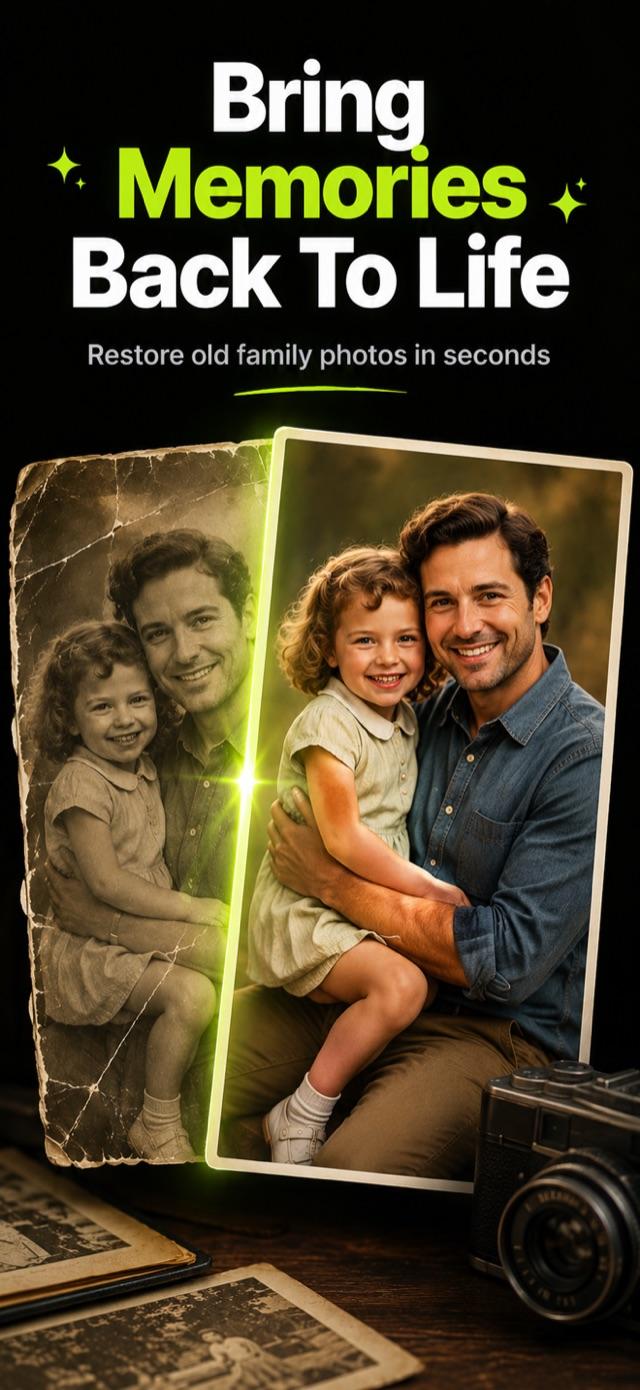
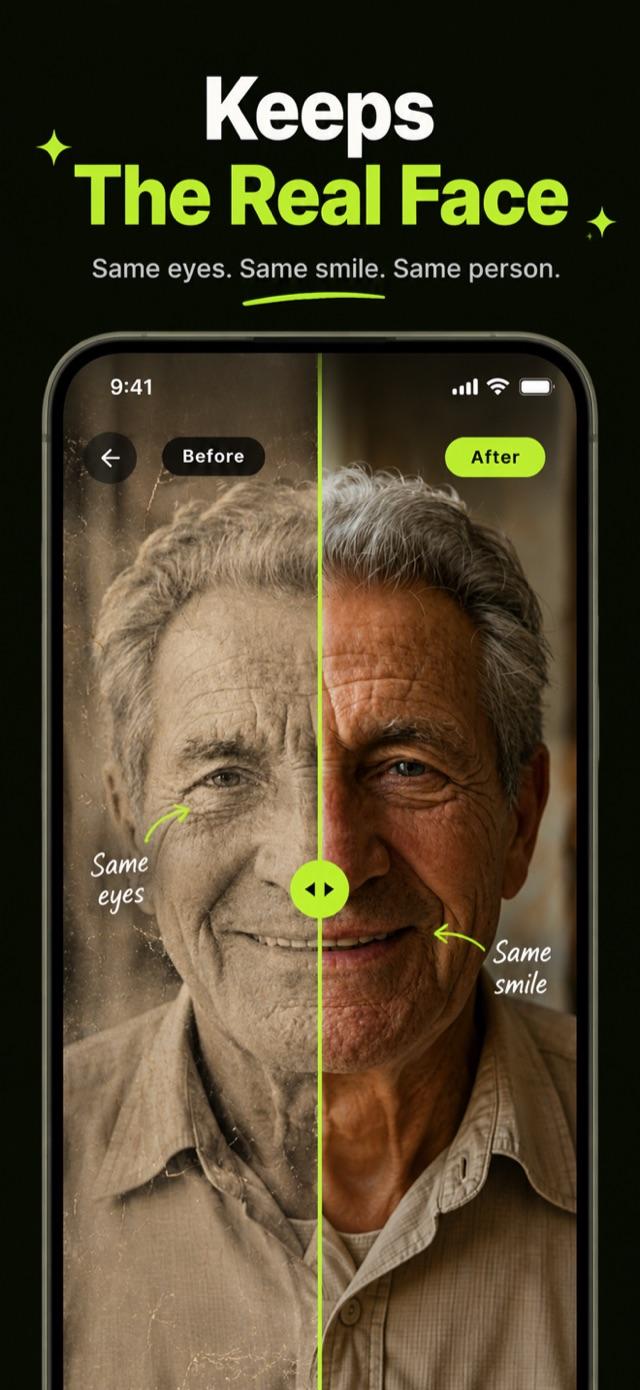
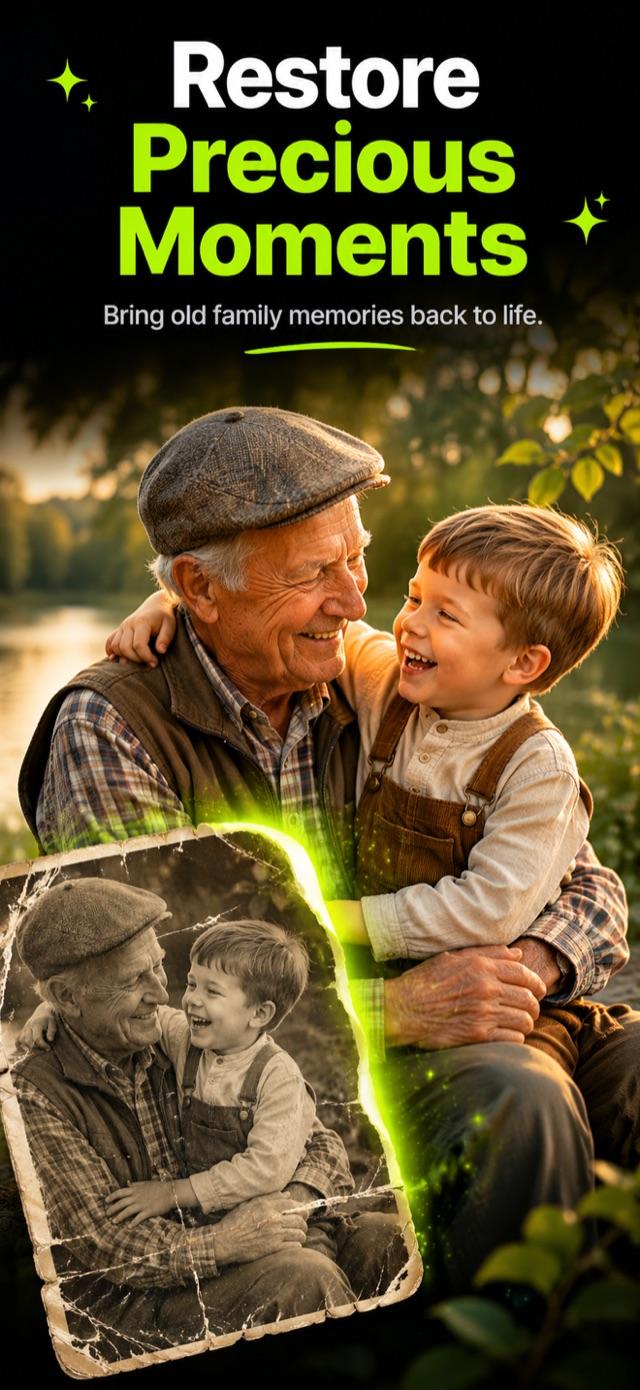
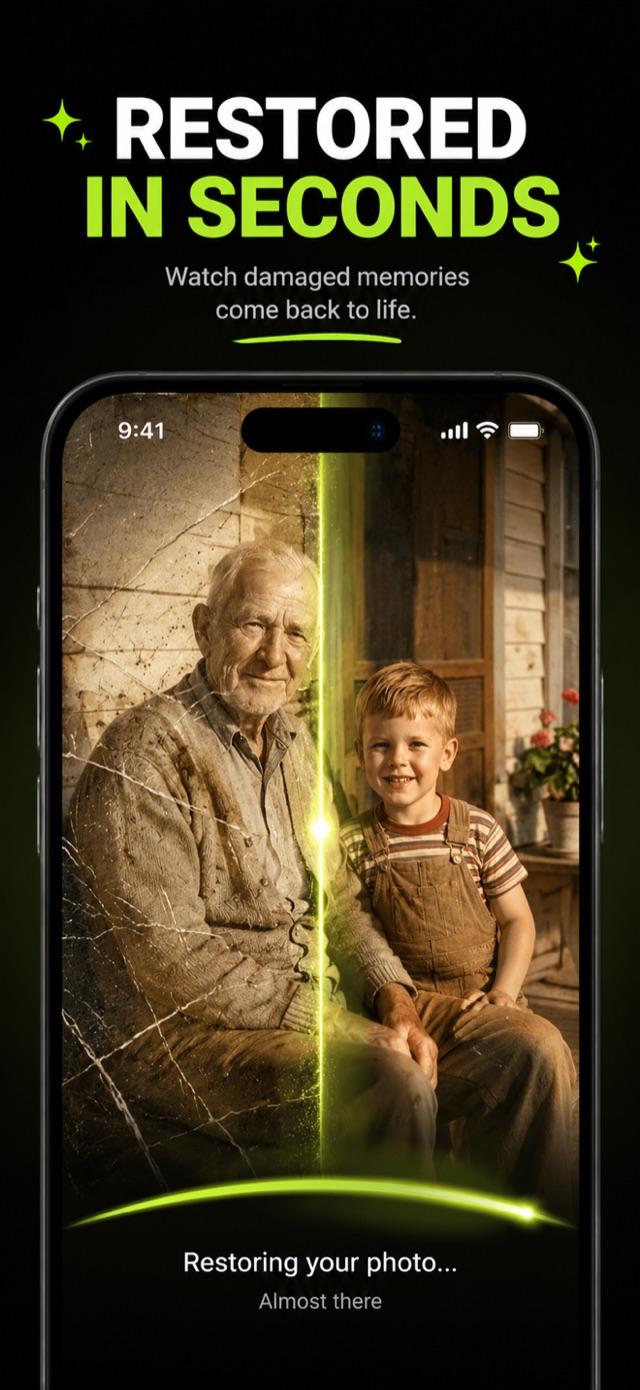
Fix scratches, tears, blur, and fading, then colorize if you want to. Unlike most AI enhancers, this one keeps the real face: the same eyes, the same smile, the same person you remember.
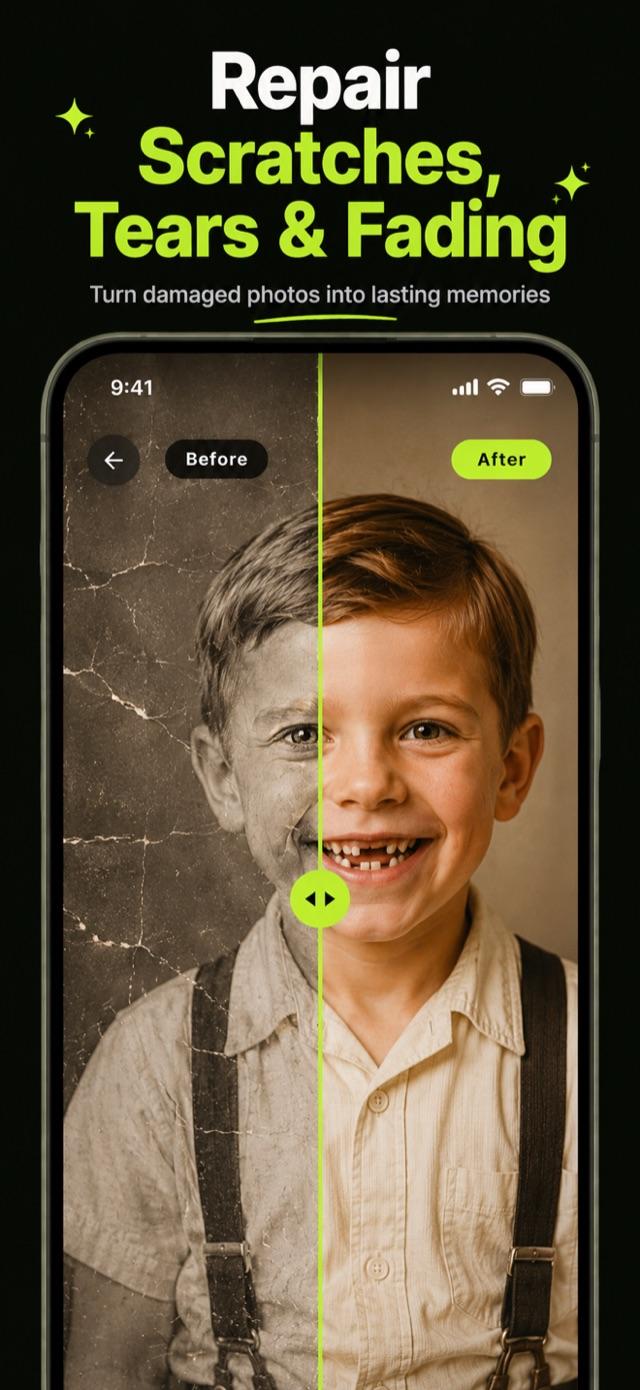
- Repairs scratches, tears, creases, and water damage
- Faithful faces, never an AI-invented stranger
- One free restore, honest weekly pricing, no trial traps
Version 1.0.2 · Updated Sep 4, 2026

How it works
- 1
Scan the print or pick from your library
Photograph a printed photo right in the app, with auto-crop and straightening, or choose an image already on your phone.
- 2
Let the restoration run
Scratches, tears, creases, and water damage get repaired; blur and noise removed; faded tones brought back.
- 3
Compare before and after
Slide between the original and the restored version. The face stays faithful: same person, just rescued.
- 4
Colorize and keep it
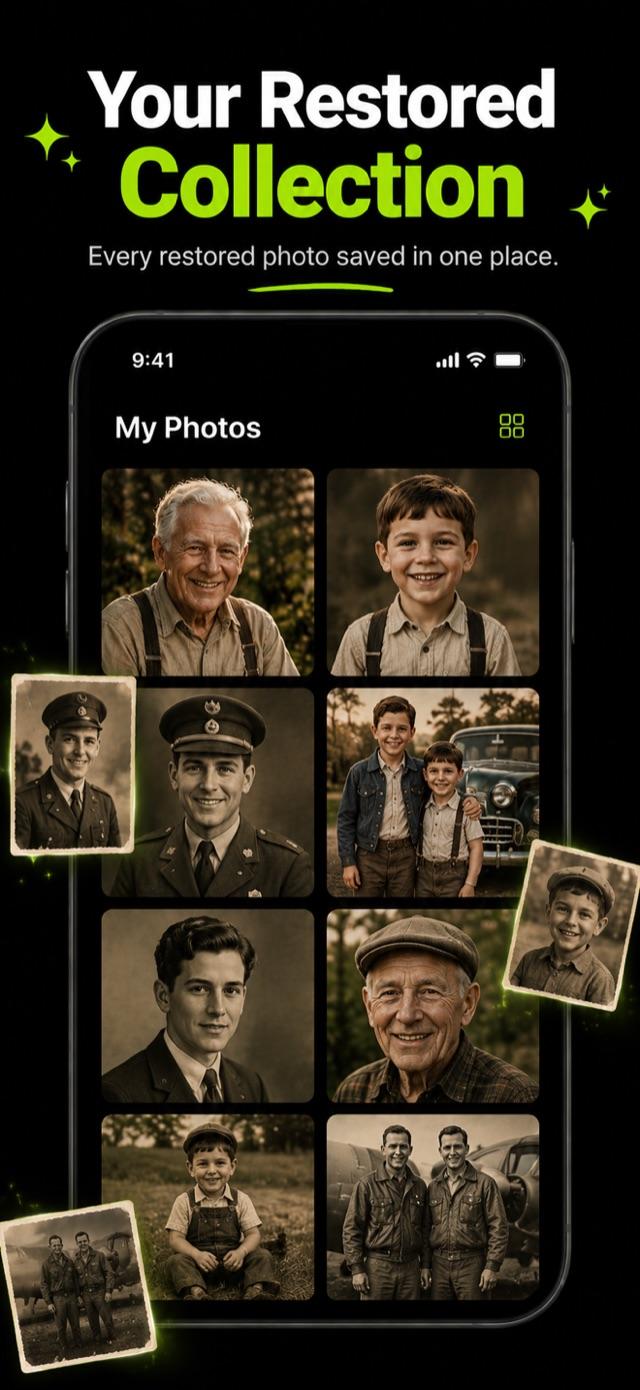
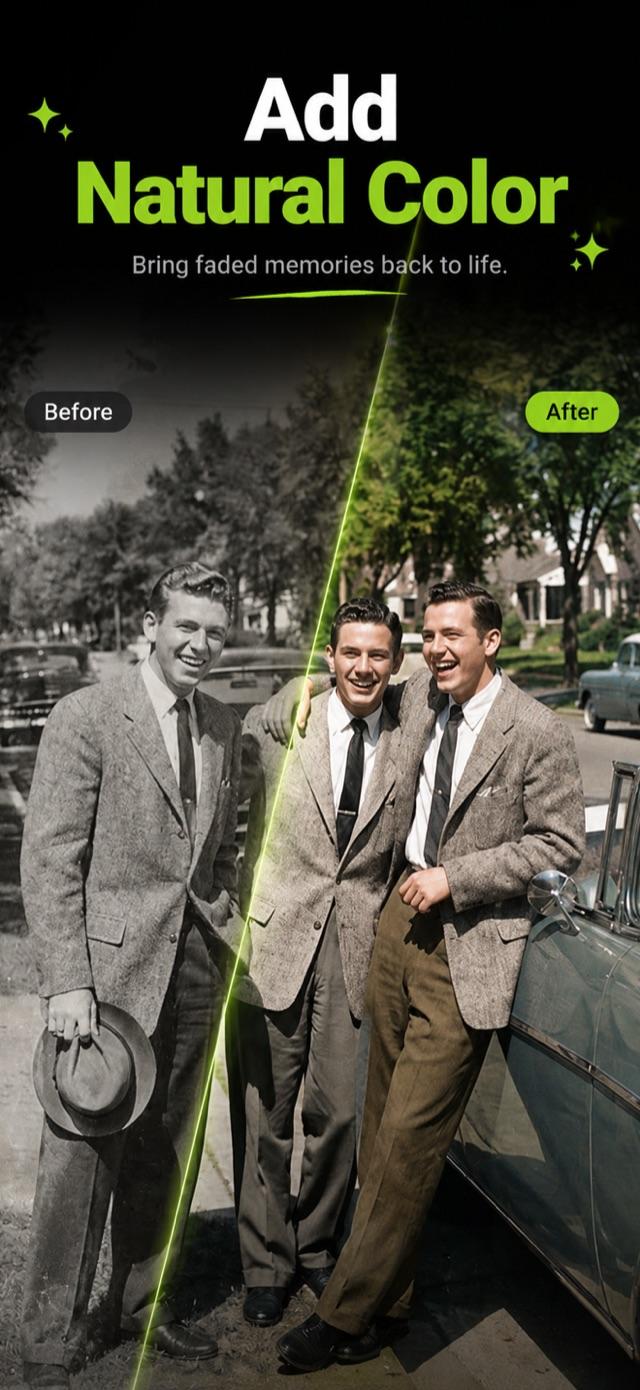
Optionally add natural, realistic color to black-and-white photos, then save, share, or turn it into a framed keepsake.
Guides
Practical answers to the questions Photira was built for.
How to Restore Old Photos on iPhone (No Photoshop Needed)
Restore old family photos with just your iPhone: capture the print properly, repair scratches and fading with AI, and keep the real face. Full workflow.
How to Colorize Black and White Photos (Realistically)
AI colorization can look natural or garish. Learn how it works, what makes colors believable, when to colorize (and when not to), and how to do it on iPhone.
How to Fix Blurry Old Photos: What AI Can and Cannot Recover
Soft focus, camera shake, fading, and bad scans blur old photos differently. Learn what AI unblurring genuinely recovers and how to fix your photo on iPhone.
How to Digitize Old Photo Albums With Just Your Phone
Digitize a whole family photo album in an afternoon with your phone: setup, capture technique, page-by-page workflow, organizing, and restoring the keepers.
Best Photo Restoration Apps in 2026 (Honest Comparison)
Remini, MyHeritage, free web tools, and Photira compared honestly: face faithfulness, scanning, pricing traps, and which fits family photos.
How to Fix Water-Damaged Photos: Rescue, Digitize, Restore
Flood, leak, or humidity got your photos? The safe physical rescue steps, how to handle stuck prints, and how AI restoration removes the stains afterward.
Frequently asked questions
How can I restore an old photo on my iPhone?
Photograph the print with the in-app scanner (it crops and straightens automatically), then let the AI repair damage, sharpen detail, and revive the tones. No Photoshop, no desktop, no scanner hardware.
Learn moreCan black and white photos be colorized realistically?
Yes, modern AI predicts plausible natural colors from context: skin, sky, foliage, and fabric. Good colorization aims for believable, not flashy. It is always optional here; restoration and colorization are separate choices.
Learn moreCan a blurry old photo be fixed?
Usually, within honest limits. AI sharpening recovers soft focus, camera shake, and print fading very well. What is truly not in the photo cannot be invented without changing the person, which is exactly what this app refuses to do.
Learn moreWhat is the best way to digitize a whole photo album?
Use your phone camera with a steady technique: indirect light, straight-on angle, one photo at a time. Then restore the ones that matter most. A full guide with the exact workflow is below.
Learn moreWill it change my relative's face?
No, and this is the app's core promise. Most enhancers rebuild faces until the person looks like a polished stranger. This app repairs damage and keeps the real features: the same eyes, the same smile.
Is there a free restore?
Yes, one free restore so you can see your own photo come back to life before paying anything. After that it is one simple weekly plan, clearly priced, cancel anytime. No fake free trials.
Get Photira on your iPhone
Restore, Repair & Colorize
Download on the App Store


