How to Identify a Spider by Photo (Get the Angle Right)
Updated July 27, 2026 · By Abdeljalil Bouchfar
Spiders are identified by their dorsal pattern, the markings on the back, far more than by color or size. That single fact tells you how to take the photo: from above, in focus, with decent light. Get that shot and modern AI can name most spiders in seconds.
The photo that works
- Top-down angle: shoot the spider's back, where the diagnostic markings are
- Focus beats closeness: use zoom or macro mode rather than pushing the lens at it
- Light it: daylight or your phone flashlight from the side; direct flash blows out the pattern
- Include the legs: leg posture and banding are secondary field marks the AI uses
- If it is in a web, photograph the web too; web architecture narrows the family instantly
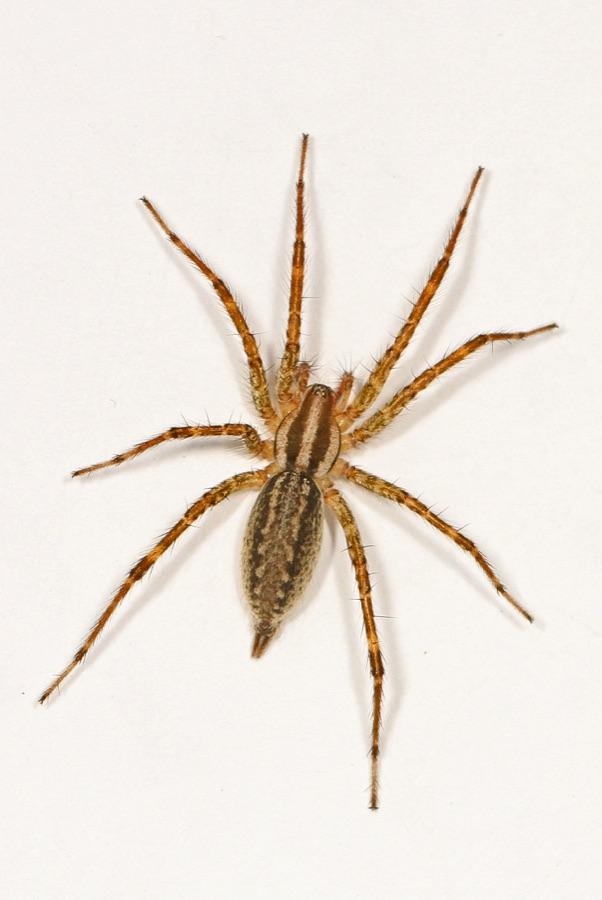
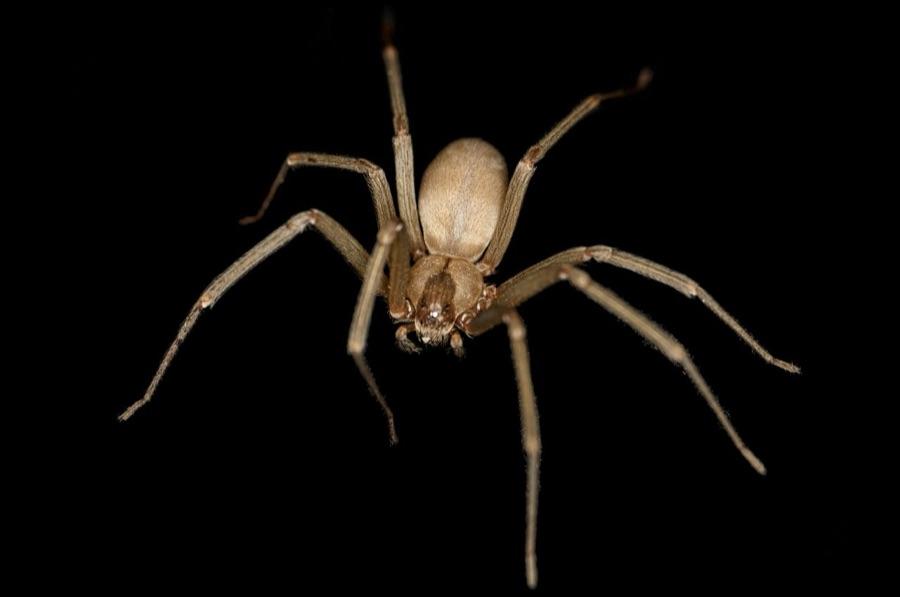
What the AI reads
Identification models weigh the dorsal pattern, body proportions (leg-to-body ratio, abdomen shape), leg banding and spines, eye arrangement when visible, and posture. Web type adds strong context: orb webs, funnel webs, cobwebs, and no web at all each point to different families.
The output is a species match with a danger verdict. Sanity-check it against location: a species that does not occur in your region means rescan with a better angle.
Common photo failures
Most failed identifications come from three photos: the blurry ceiling shot from two meters below, the side-angle shot that hides the back pattern, and the flash close-up that turns the spider into a white blob. Each has the same fix: stabilize, get above the spider or wait for it to be on a flat surface, and use indirect light.
Dead or alive, in a jar or on the wall
You can identify a dead spider or one trapped under a glass just as well, often better, since it holds still. If you are collecting it for identification anyway, slide paper under a clear glass; you get a perfect top-down view through the glass and the spider gets released after its portrait.

Scan it with Spider Identifier
- Get a top-down photo, zoomed and focused.
- Run the identification and read the species and verdict.
- Check the species page for whether the range and habitat fit.
- Browse featured spiders to learn the regulars in your home before you meet them.
About the author
Abdeljalil Bouchfar is an independent software engineer and the developer of Spider Identifier: Venom ID. He is not a veterinarian, doctor, or lawyer.
Safety note: identification apps are decision support, not a medical opinion. If a bite shows spreading pain, an open wound, or fever, or you suspect a widow or recluse, seek medical care promptly.